The rapid rise of connected devices has turned our houses into digital fortresses that require constant vigilance against cyber threats. For many decades, home security simply meant locking the front door and perhaps installing a basic alarm system that chirped when a window opened.
This traditional model of safety is no longer enough because modern hackers can now enter your living room through a poorly secured light bulb or a smart fridge. However, the emergence of advanced encryption and network management tools offers a revolutionary way to safeguard your family’s privacy and physical safety.
This transition represents a monumental shift from physical barriers to a multi-layered digital defense strategy that covers every byte of data. We are entering an era where virtual private networks and multi-factor authentication serve as the primary foundations for a peaceful and secure domestic life.
This innovation addresses the critical challenge of identity theft and unauthorized surveillance by giving you total control over your digital footprint. By mastering these security protocols, you can transform your vulnerable network into a hardened sanctuary that resists even the most sophisticated external attacks.
This article explores the most effective and proven methods to secure your smart devices while optimizing your home for maximum privacy and technical resilience.
Strengthening Your Network Foundation
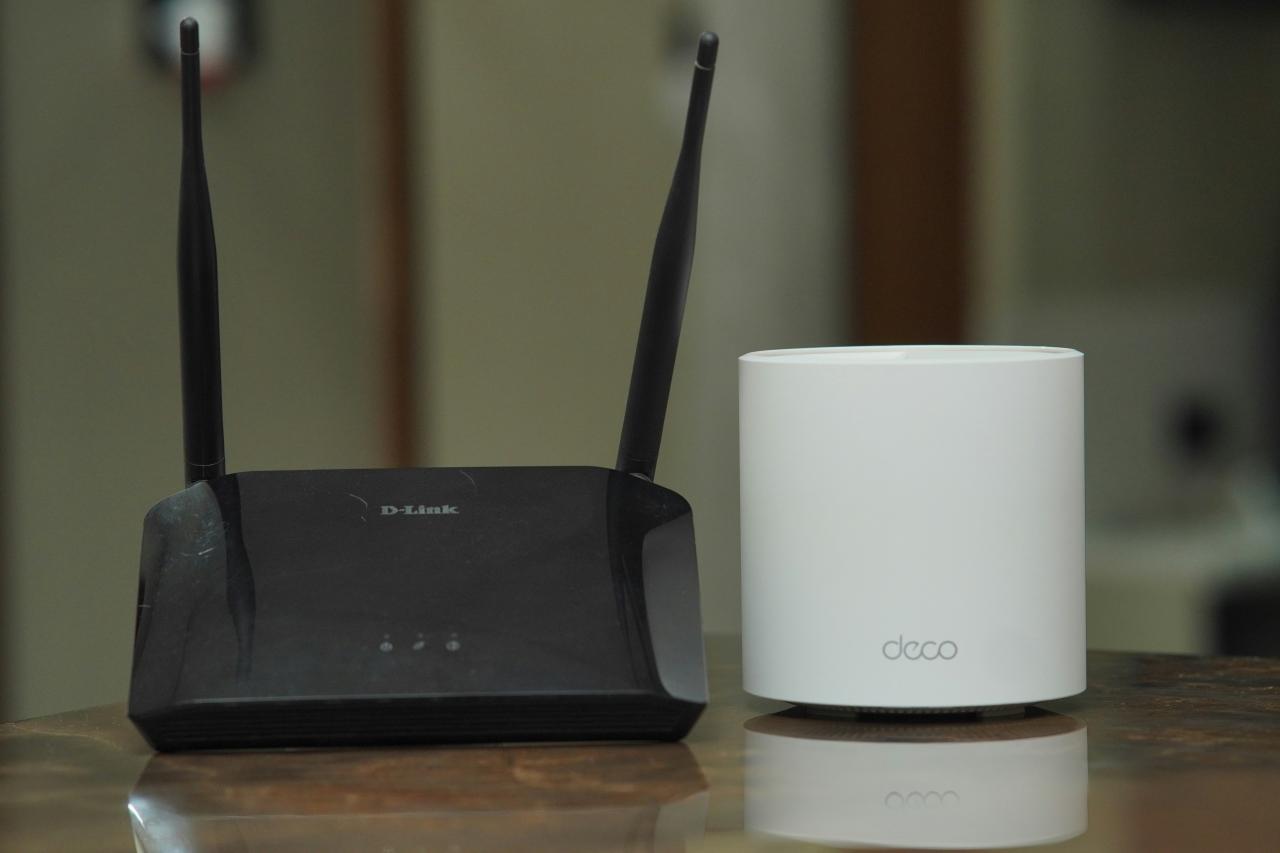
The router serves as the single gateway between your private life and the dangerous public internet, making it the most important piece of hardware to secure. Most people keep the default settings provided by their internet company, which is a massive mistake because hackers already know those common passwords.
I believe that “network isolation” is the best way to solve the problem of a single hacked device compromising your entire digital world. You solve the problem of lateral movement by creating a separate guest network specifically for your smart home gadgets.
This perspective ensures that even if someone hacks your smart toaster, they still cannot access your personal laptop or bank account details.
A. Change Default Credentials Immediately
You must replace the factory username and password with a complex string that includes symbols, numbers, and capital letters. This simple step stops the vast majority of automated botnet attacks that scan the internet for vulnerable routers with “admin” passwords.
B. Disable Remote Management Features
Most routers allow you to change settings from outside your home, but this feature opens a back door for hackers to exploit. Turning off remote access ensures that nobody can modify your network settings unless they are physically plugged into the router or inside your house.
C. Enable WPA3 Encryption Standards
WPA3 is the latest security protocol that provides much stronger protection against password-cracking attempts than older versions like WEP or WPA2. Check your router settings to ensure you are using the highest level of encryption available to keep your wireless signals private.
Implementing Multi-Factor Authentication Everywhere
Passwords alone are no longer enough to protect your smart home accounts because data breaches happen every day across the globe. Multi-factor authentication (MFA) adds a second layer of defense, requiring a temporary code from your phone before anyone can log into your security cameras.
My new perspective is that “identity verification” is the secret to solving the problem of stolen passwords and unauthorized account access.
You solve the problem of remote hacking by ensuring that a physical device in your pocket is necessary to grant access to your home systems. This perspective gives you an instant alert if someone tries to log in, allowing you to change your password before they do any damage.
A. Use Authentication Apps Over SMS
Hackers can sometimes intercept text messages through SIM swapping, so using an app like Google Authenticator or Authy is a much safer choice. These apps generate codes locally on your device, making it nearly impossible for a remote attacker to bypass your security.
B. Set Up Biometric Secondary Checks
Many smart home apps allow you to require a fingerprint or face scan before opening the door or viewing a live camera feed. This adds an extra hurdle for anyone who might get their hands on your unlocked phone, protecting your most sensitive home functions.
C. Audit Logged-In Devices Regularly
Check your account settings once a month to see which phones and computers have access to your smart home ecosystem. If you see a device you do not recognize, remove its access immediately and update your master password to maintain total control.
Mastering the Art of Firmware Updates
Software developers constantly find and fix “vulnerabilities” or digital holes that hackers use to crawl into your smart devices. If you do not update your firmware, you are essentially leaving your digital front door wide open for anyone with the right tools.
I suggest that “automated maintenance” is the ultimate tool for solving the problem of outdated and insecure software on your smart gadgets.
You solve the problem of human forgetfulness by enabling automatic updates on every device from your smart TV to your connected light switches. This perspective ensures that your home defense is always running the latest and most effective code against modern cyber threats.
A. Check Small Devices Specifically
People often remember to update their phones and computers but forget about smaller items like smart plugs or smart thermometers. These “tiny” devices often have the weakest security and are the most likely targets for hackers looking for an easy entry point.
B. Verify Official Software Sources
Only download updates and apps directly from the manufacturer’s official website or the verified app store on your mobile device. Using third-party software or “cracked” versions of apps is a guaranteed way to invite malware and spyware into your home.
C. Subscribe to Security Bulletins
Many high-end smart home brands send out emails when a major security flaw is discovered and patched in their systems. Reading these alerts allows you to take manual action if an automatic update fails, keeping your home one step ahead of the hackers.
Protecting Your Physical and Digital Privacy
Smart speakers and cameras are incredibly convenient, but they also have the potential to listen to your private conversations if they are not configured correctly. You should carefully review the privacy settings of every device to limit what data it collects and where that data is stored.
I believe that “privacy by design” is the best way to solve the problem of corporate data harvesting and accidental voice recordings.
You solve the problem of being “watched” by using physical privacy shutters on cameras and muting microphones when they are not in use. This perspective allows you to enjoy the benefits of a smart home without feeling like you are living in a permanent surveillance state.
A. Disable Always-Listening Features
If you do not use voice assistants frequently, consider turning off the “wake word” feature that keeps the microphone active at all times. This prevents the device from accidentally recording your private chats when it thinks it hears its name.
B. Manage Cloud Storage Preferences
Many companies store your camera footage on their servers, which could be vulnerable to a massive data breach at the corporate level. Whenever possible, choose devices that offer local storage on an SD card or a private home server that you control.
C. Limit Third-Party App Permissions
When you link your smart home to a new app, it often asks for permission to access your location, contacts, and microphone. Be very picky about these permissions and only grant the minimum access necessary for the device to perform its job.
Securing Your Smart Lock and Entry Systems
Smart locks provide amazing convenience, but they also represent a high-stakes target for anyone trying to gain physical entry to your home. You must ensure that your lock uses strong encryption and that your digital “keys” are not easily shared or stolen.
My perspective is that “redundant entry security” is the secret to solving the problem of technical failures and digital lock-picking. You solve the problem of unauthorized entry by pairing your smart lock with a physical deadbolt and a separate security camera.
This perspective ensures that even if a hacker bypasses the digital lock, they still face physical barriers and a recording of their face.
A. Use Random Passcode Generators
Avoid using birthdays or simple patterns like “1234” for your keypad locks, as these are the first things a thief will try. Many smart locks can generate random codes for guests that expire after a few hours, giving you total control over who enters and when.
B. Enable Two-Factor Unlock Notifications
Configure your app to send you a push notification every single time the door is unlocked, regardless of who is doing it. This real-time awareness allows you to react instantly if the door opens at an unusual time, such as in the middle of the night.
C. Disable Voice Unlocking Functions
While it sounds cool to say “hey house, unlock the front door,” a thief could potentially shout this through a window to gain entry. Keep the unlocking function manual and protected behind a biometrical check on your phone for maximum security.
Managing Your Digital Footprint and Social Sharing
Many people accidentally give away the “keys” to their smart home by posting too much information on social media or using public Wi-Fi. A photo of your new smart home setup might show your location or the specific brand of security system you use, giving hackers a roadmap.
I suggest that “social engineering prevention” is the ultimate tool for solving the problem of targeted attacks against your home.
You solve the problem of information leaks by keeping your tech setup private and never bragging about your security hardware online. This perspective turns your home into a “black box” that is much harder for a stranger to analyze or exploit from a distance.
A. Avoid Public Wi-Fi Access
Never check your home security cameras or unlock your front door while connected to an unsecured public Wi-Fi network at a coffee shop or airport. Hackers often sit on these networks to “sniff” data and steal the login credentials of unsuspecting travelers.
B. Use a VPN for Remote Access
If you must access your home network from the road, use a Virtual Private Network (VPN) to create an encrypted tunnel for your data. This hides your traffic from plying eyes and ensures that your smart home commands remain private and secure.
C. Blur Sensitive Info in Photos
If you share pictures of your home online, make sure you don’t accidentally show the serial numbers of your devices or the layout of your alarm sensors. These small details can be used by professional criminals to plan a high-tech burglary.
Preparing for a Smart Home Data Breach
Despite your best efforts, there is always a small chance that one of your smart home providers will suffer a data breach. You need to have a “plan B” ready so you can reset your security and protect your family the moment you hear the news.
I believe that “emergency response readiness” is the best way to solve the problem of panic and confusion during a cyber security crisis. You solve the problem of long-term damage by having a list of all your accounts and knowing how to change your master passwords quickly.
This perspective allows you to recover from a hack in minutes rather than days, minimizing the impact on your life.
A. Use a Password Manager
Keeping a unique, long password for every smart home account is impossible to remember, so use a reputable password manager to do it for you. This allows you to update all your passwords instantly if one specific brand is compromised.
B. Monitor Credit and Identity Reports
Since many smart home accounts are linked to your credit card, you should keep a close eye on your financial statements for any weird charges. Many services now offer free identity monitoring that alerts you if your email shows up on the “dark web.”
C. Factory Reset Compromised Devices
If you suspect a specific device has been hacked, perform a full factory reset to wipe out any malicious code or “back doors” the hacker left behind. Re-install the latest firmware immediately after the reset to ensure the device is once again secure.
Conclusion
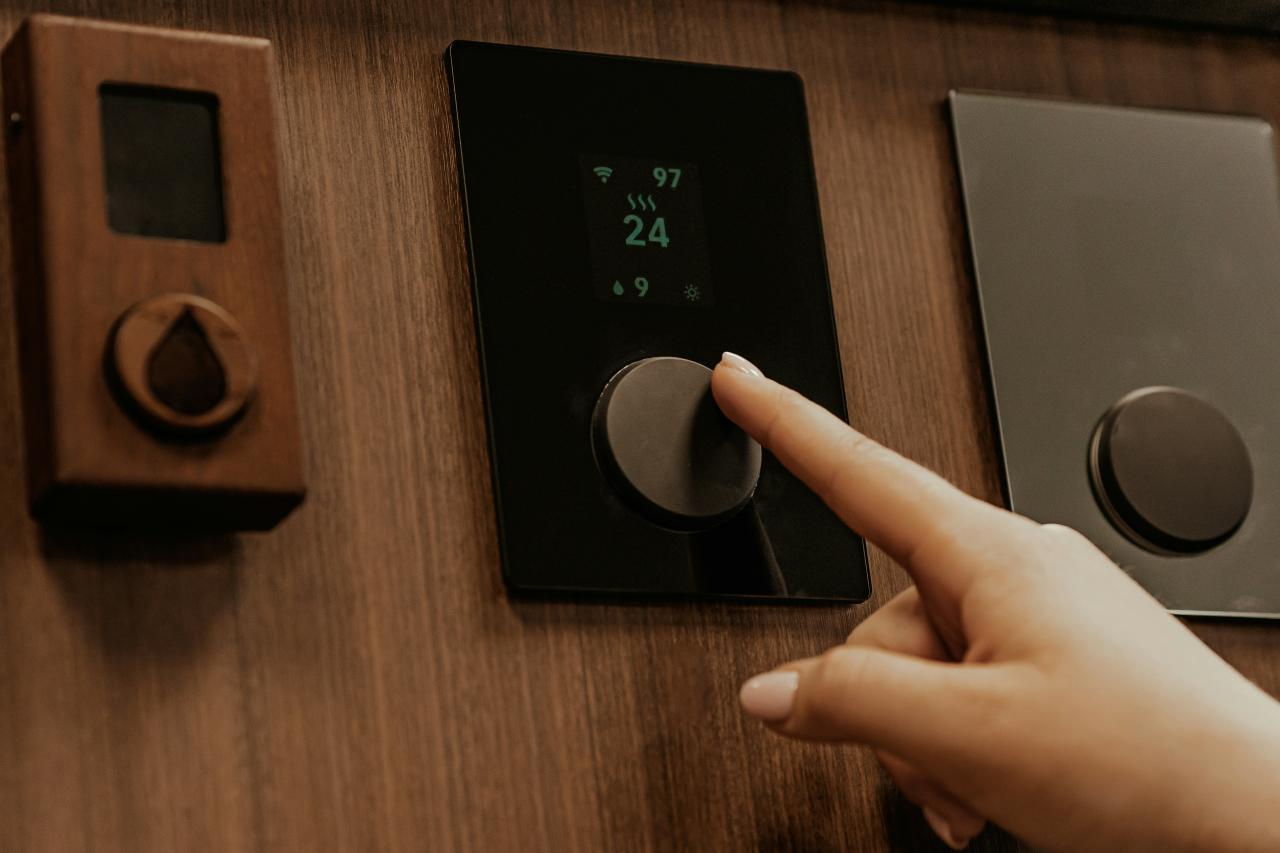
Smart home technology represents a critical shift toward safety and efficiency, replacing outdated security rules with advanced digital tools that protect your family and future.
By integrating data tracking and automation, you can eliminate the stress of potential risks like hacking while simultaneously reducing costs and optimizing your daily work flow.
Taking immediate action to adopt these smart plans allows you to reclaim your time and build wealth, ensuring that your home environment supports your personal and professional success.
The path to a bright future is clear when you use software as your primary tool, as even small steps toward innovation will lead to significant long-term growth and freedom.